

Tiles Mockup and Tile Visualizer: Preview Any Tile in Your Room Before Buying
-001-5a2f90da-ba78-4ac9-9de3-95eb43d7f23c.jpg "EL Glam Grey (800x1600) Mockup")
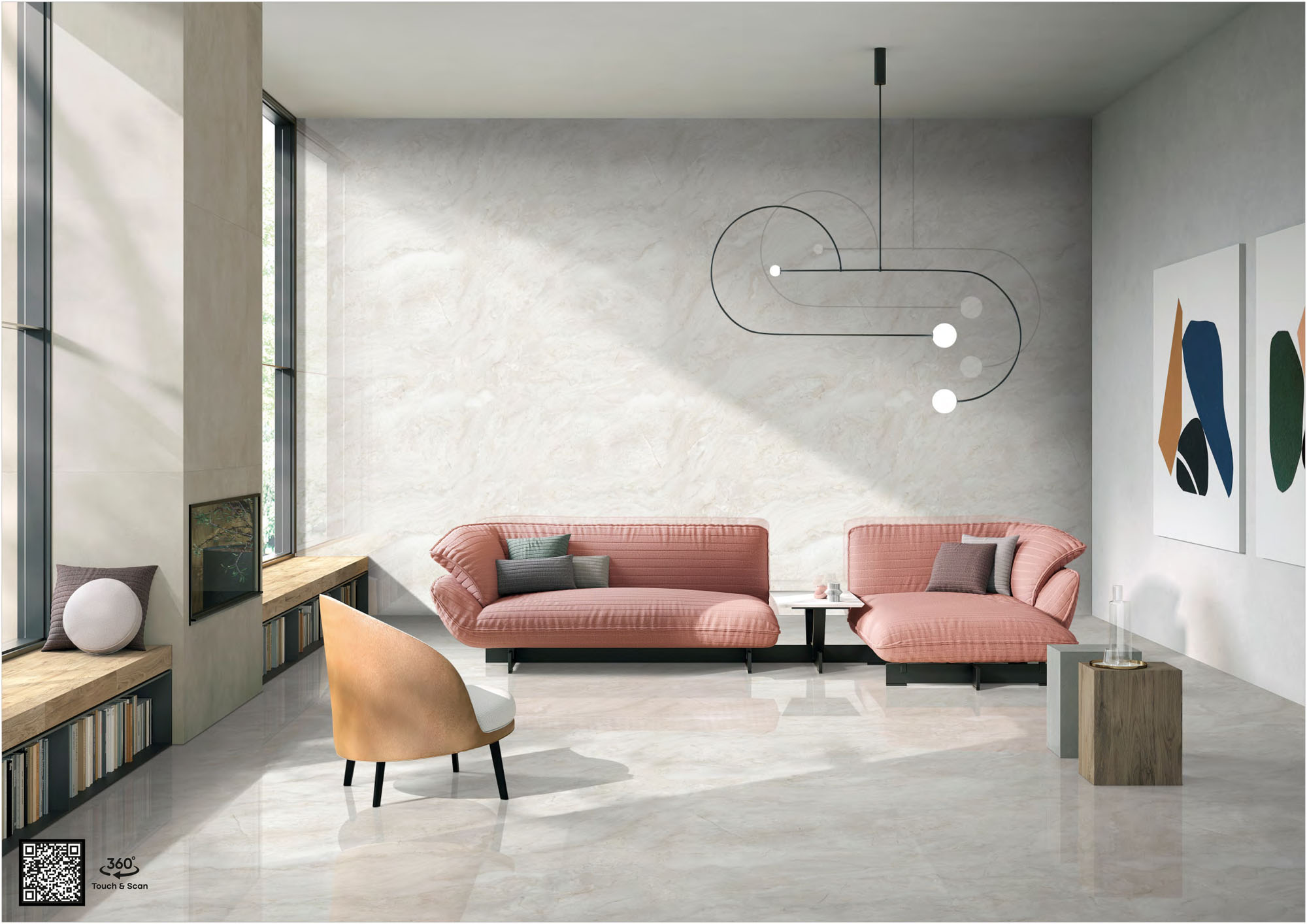
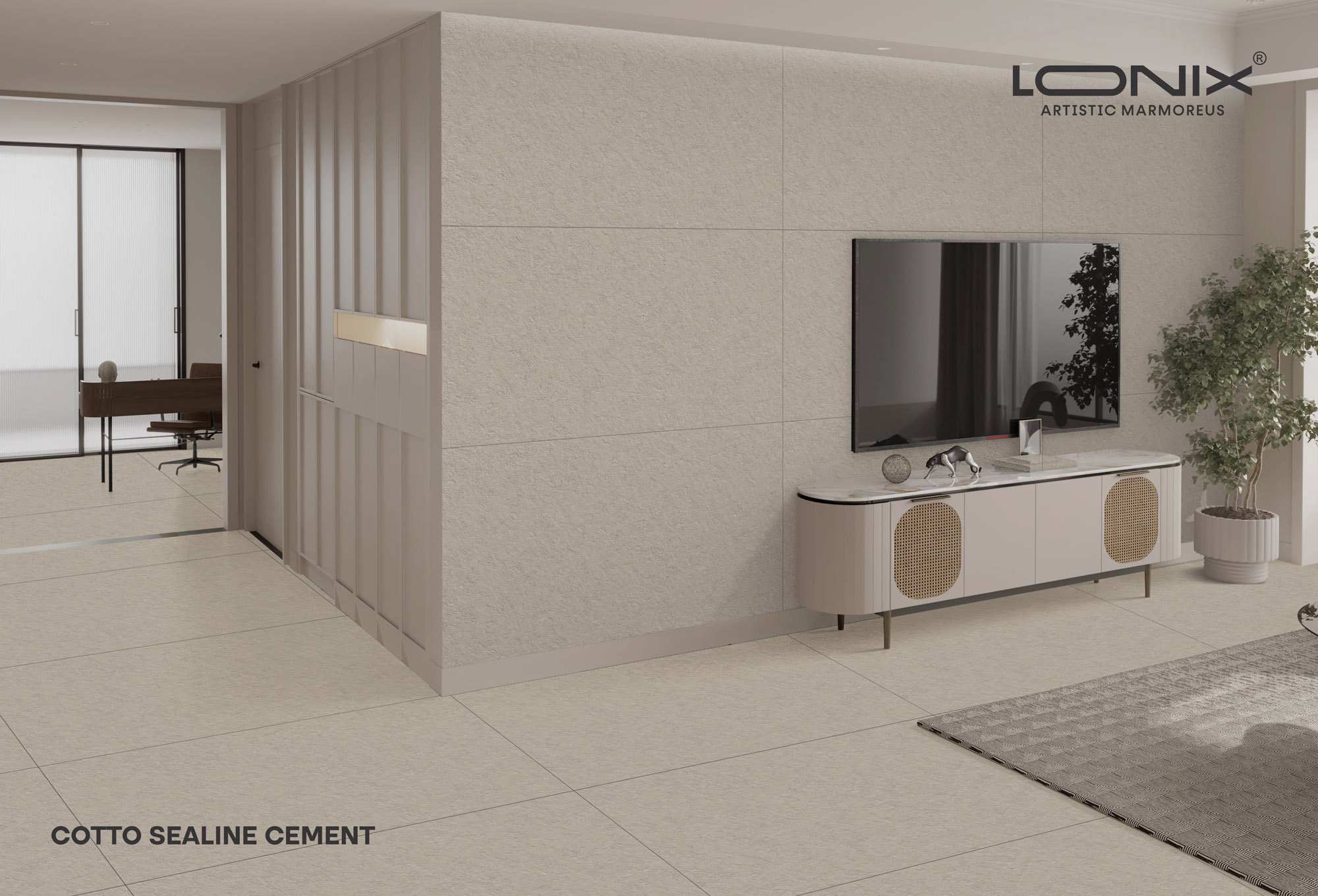
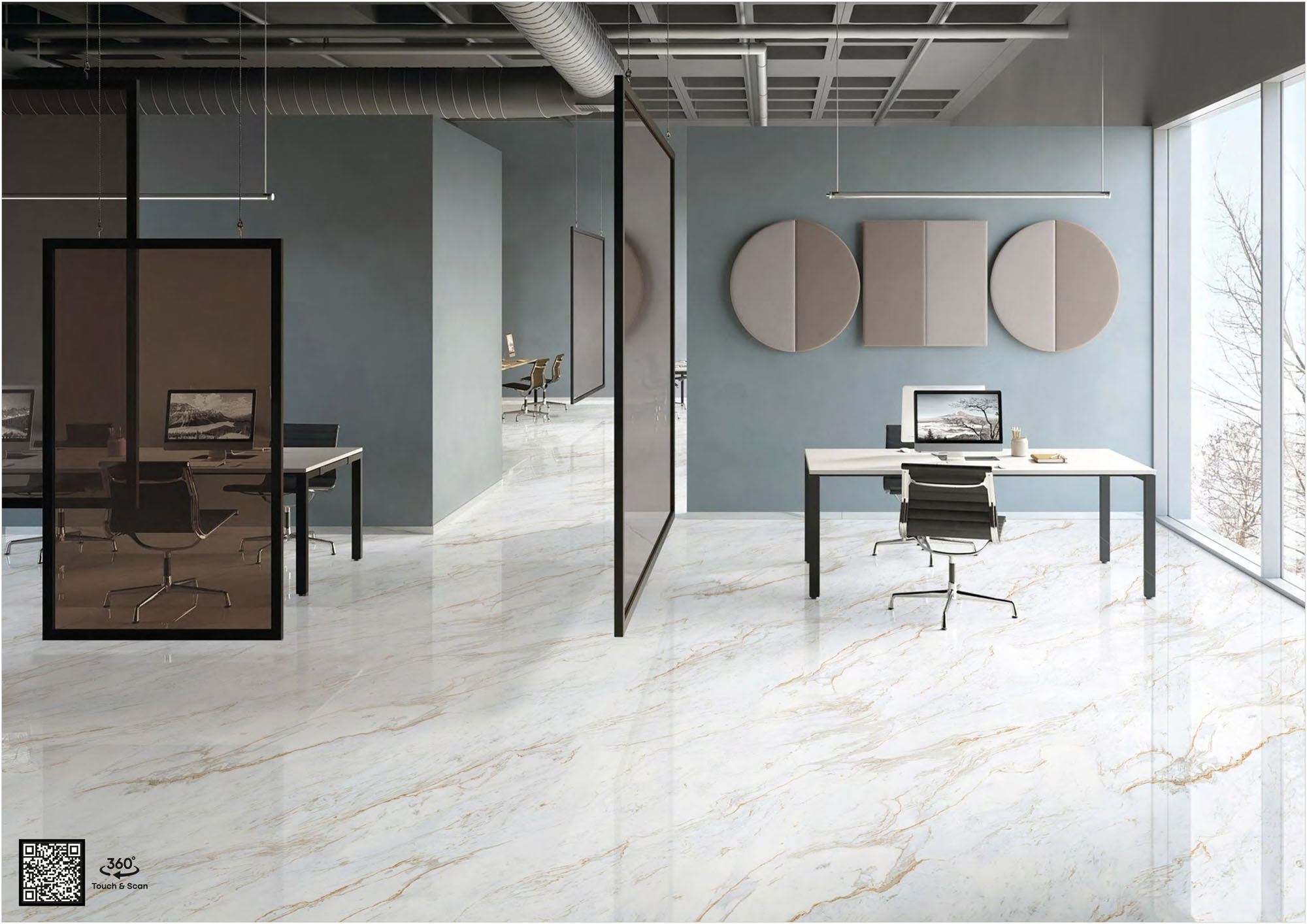
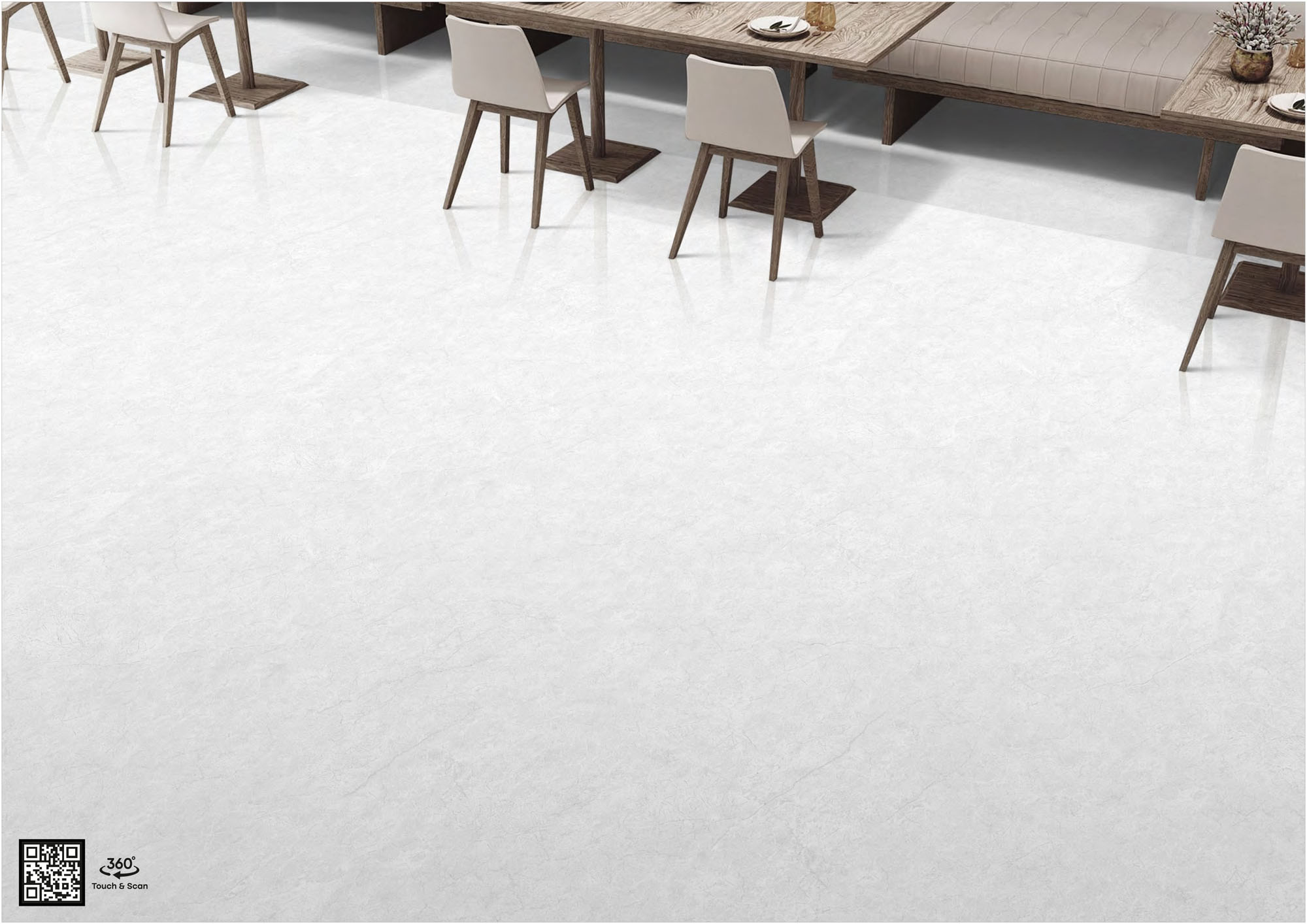

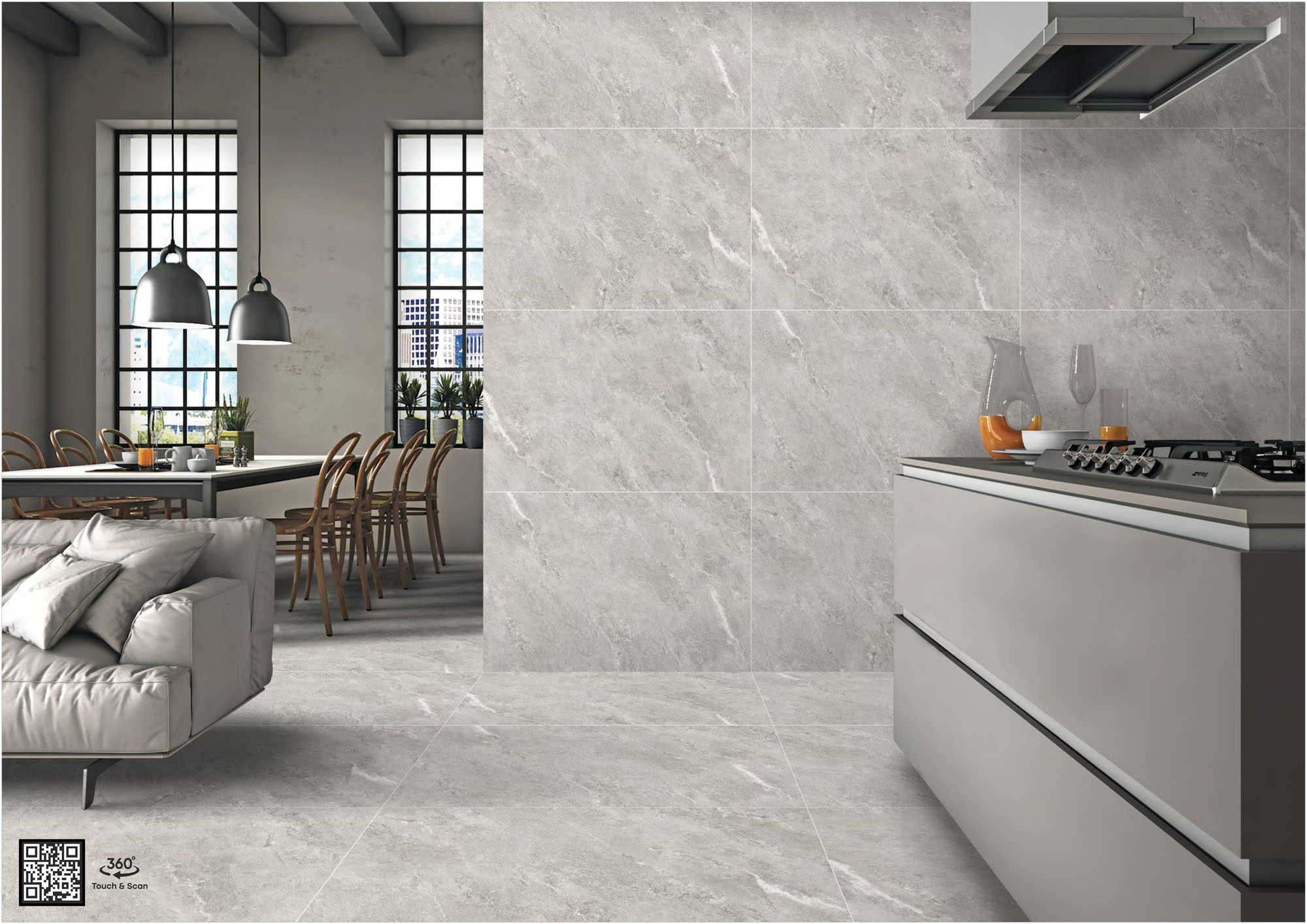
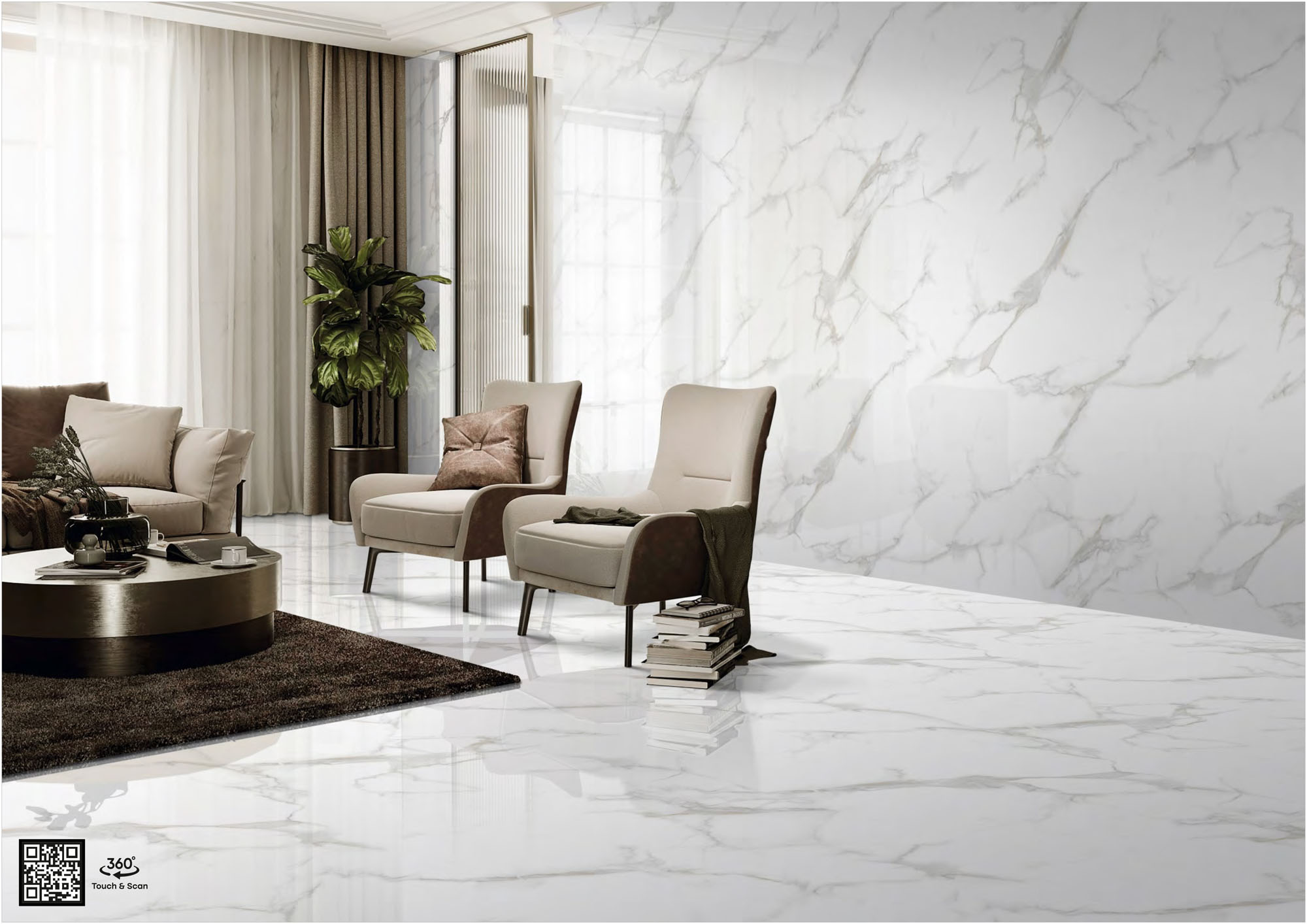
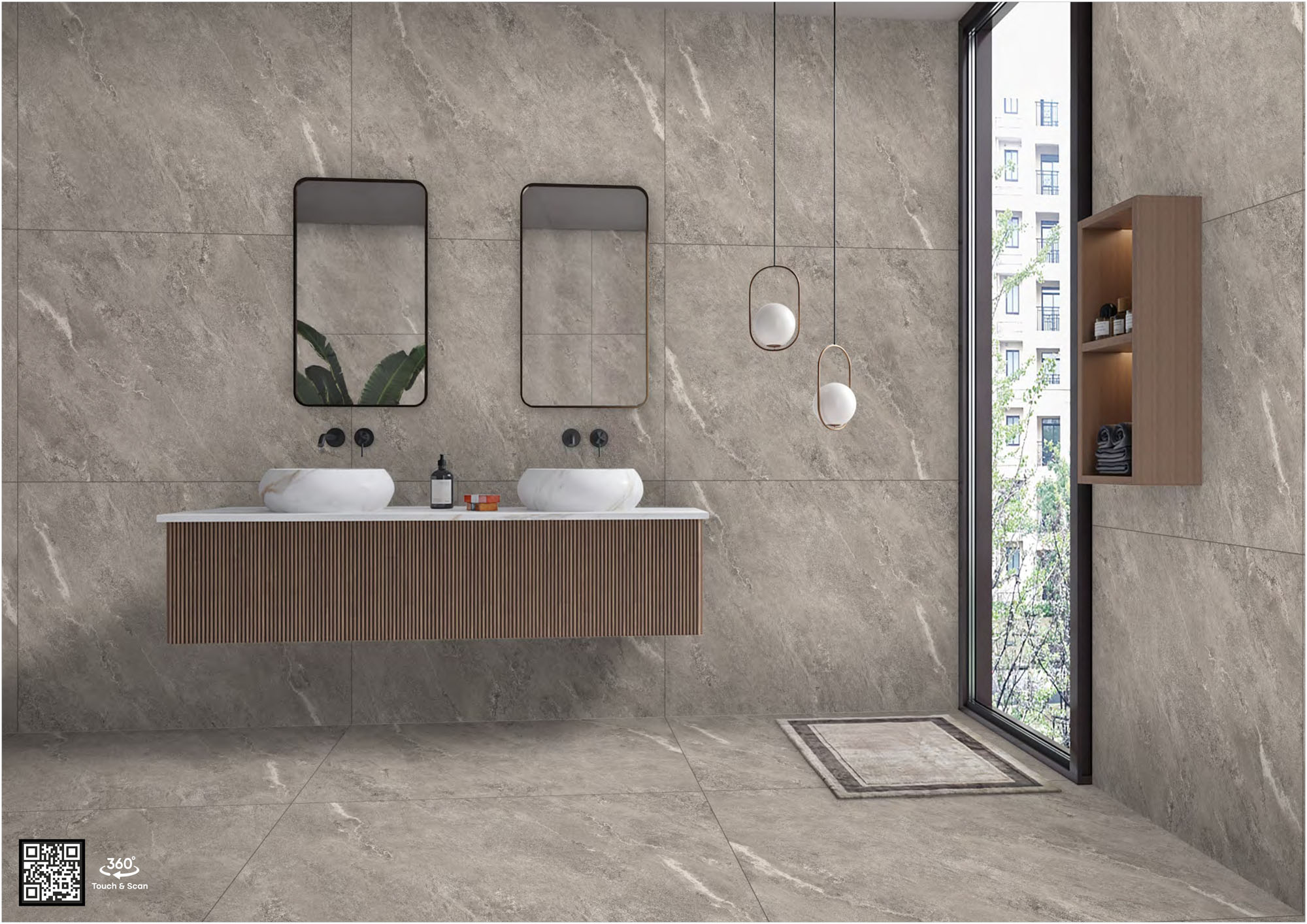

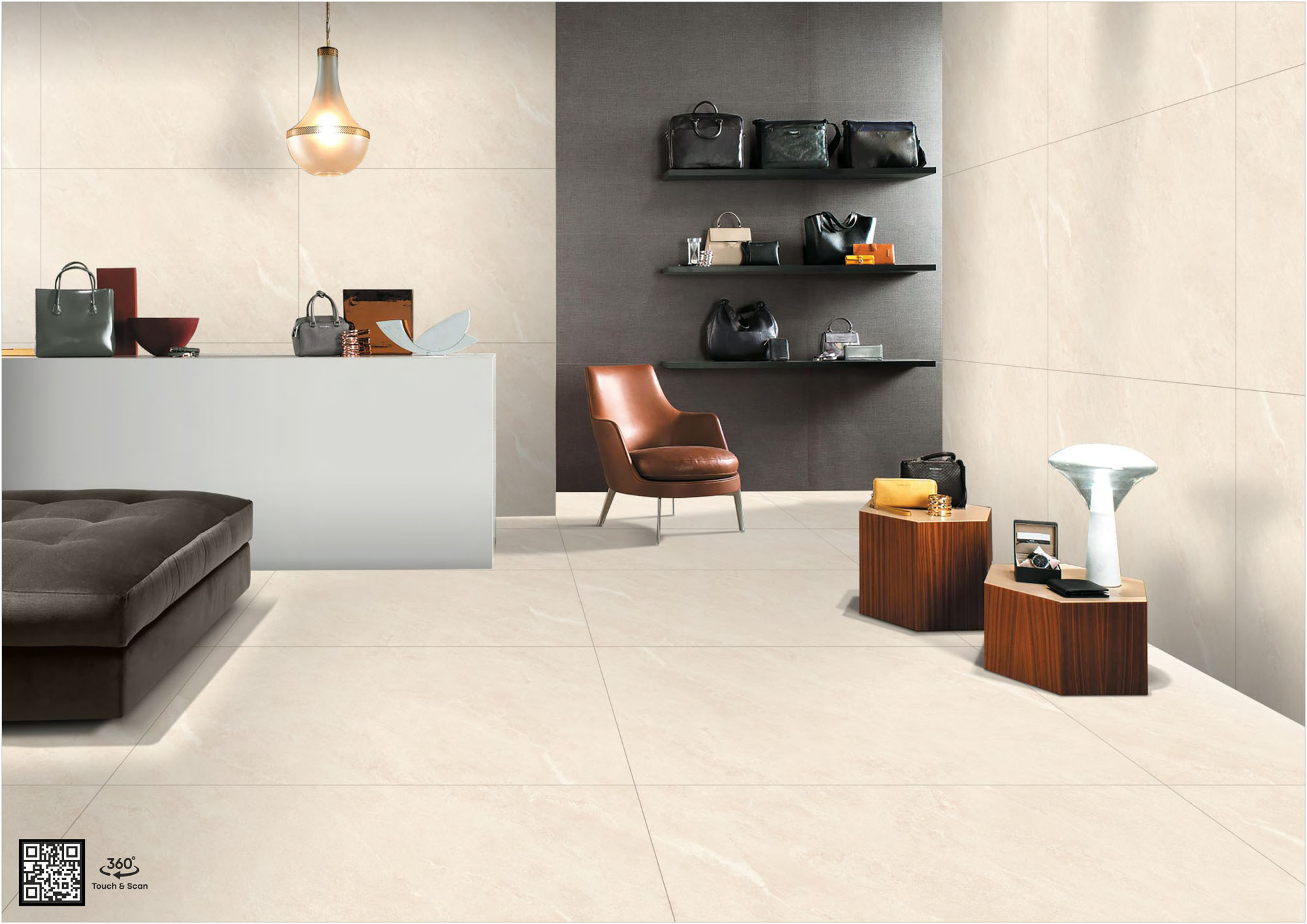
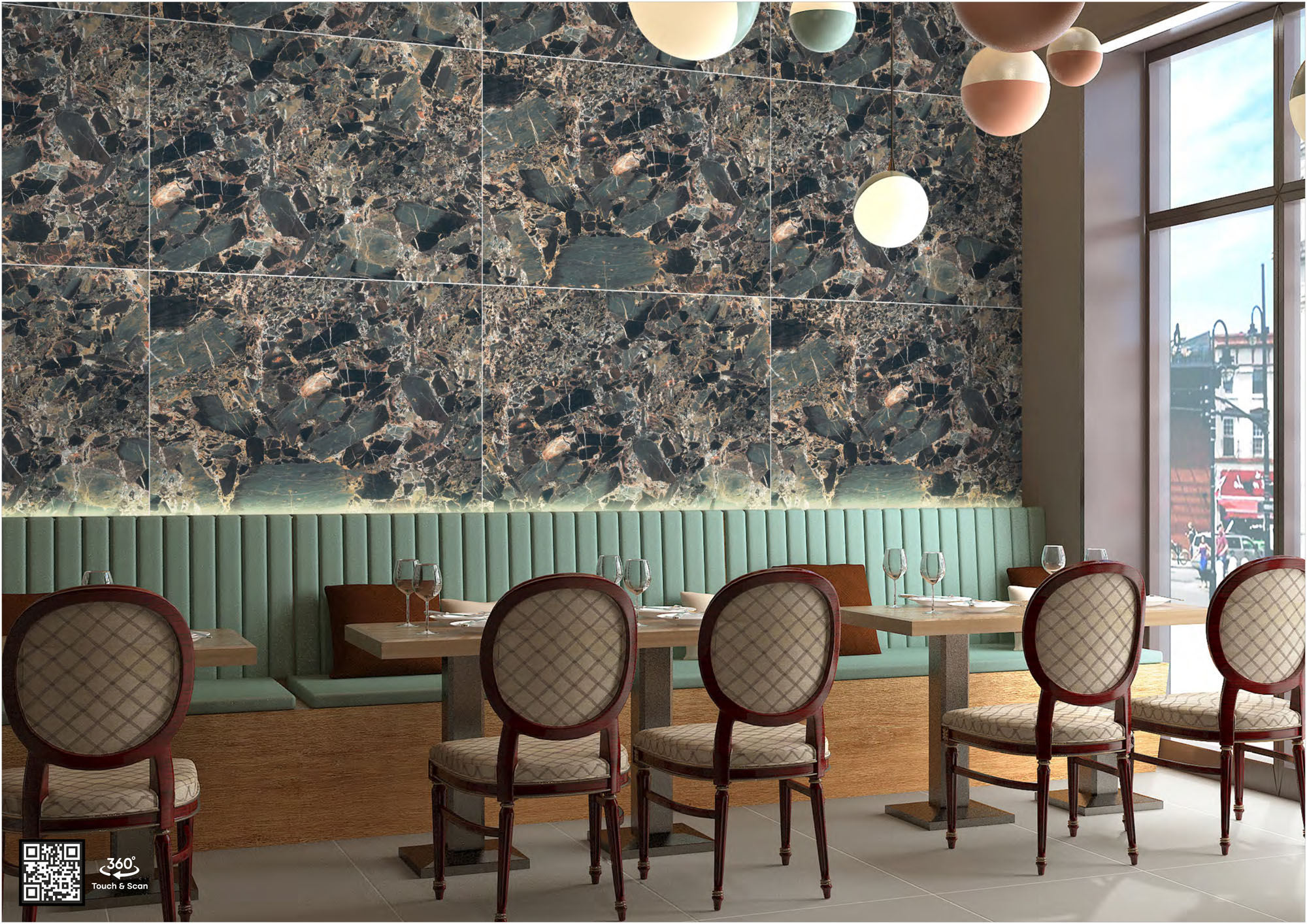
What Is the Tiles Mockup Tool?
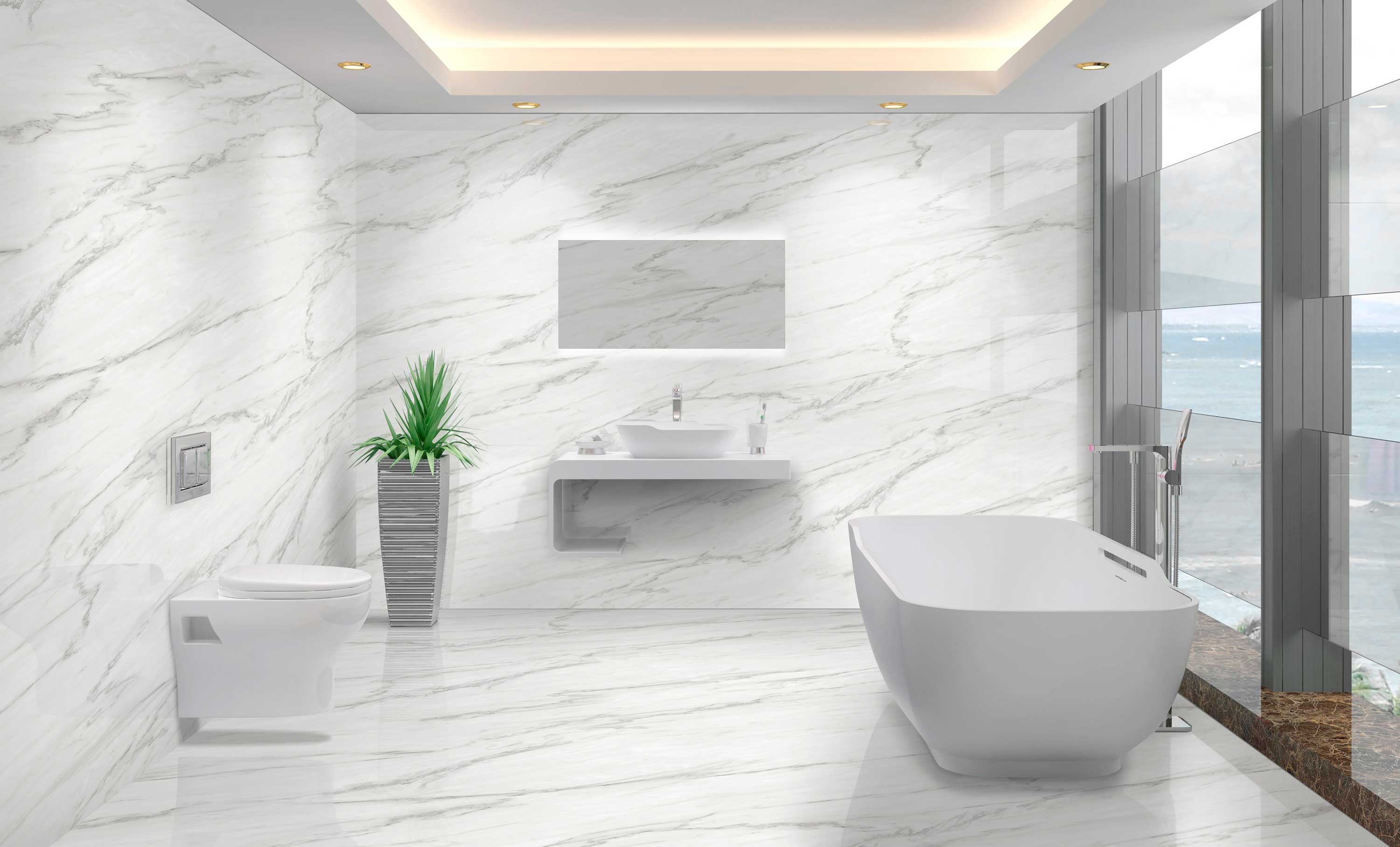
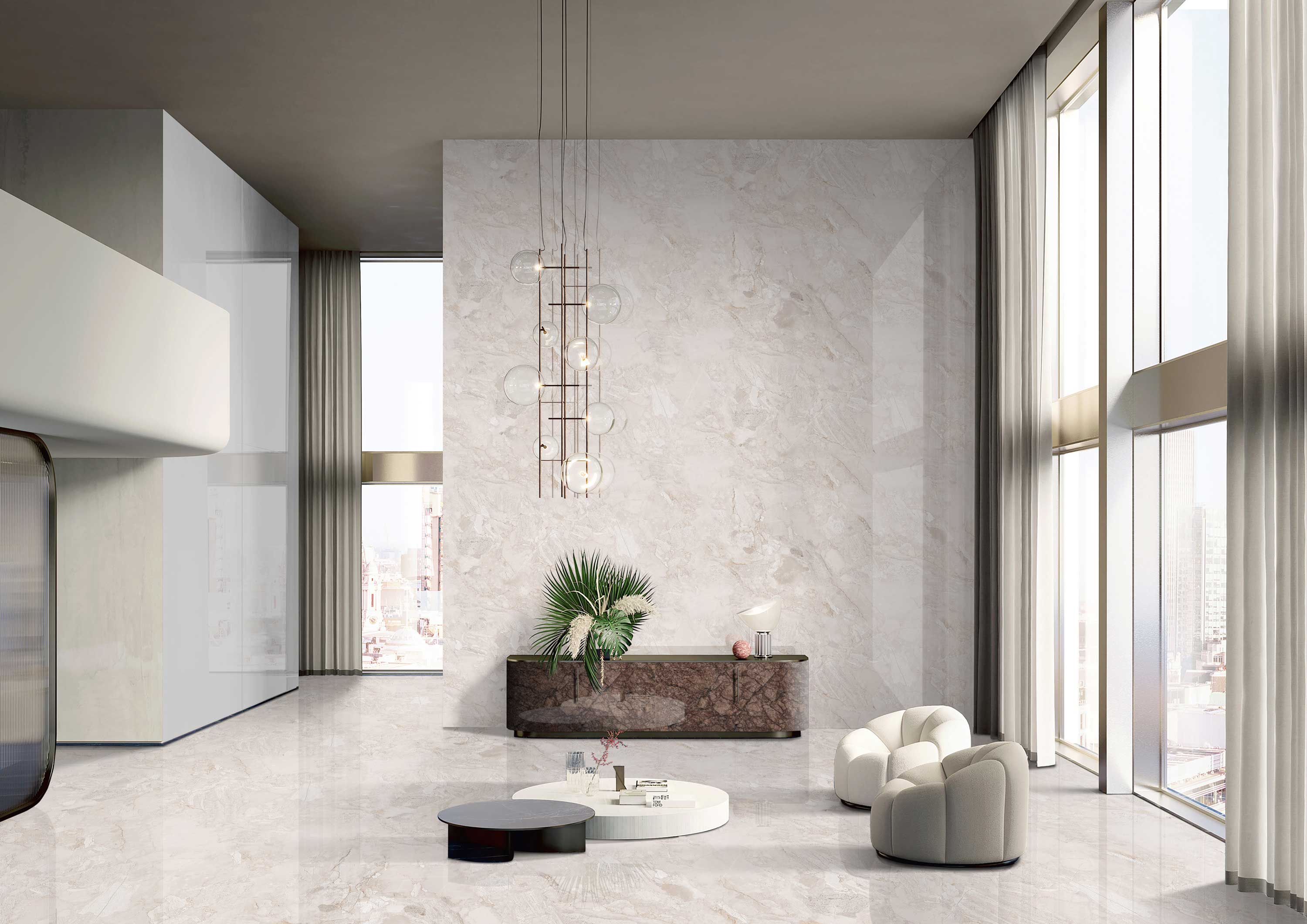
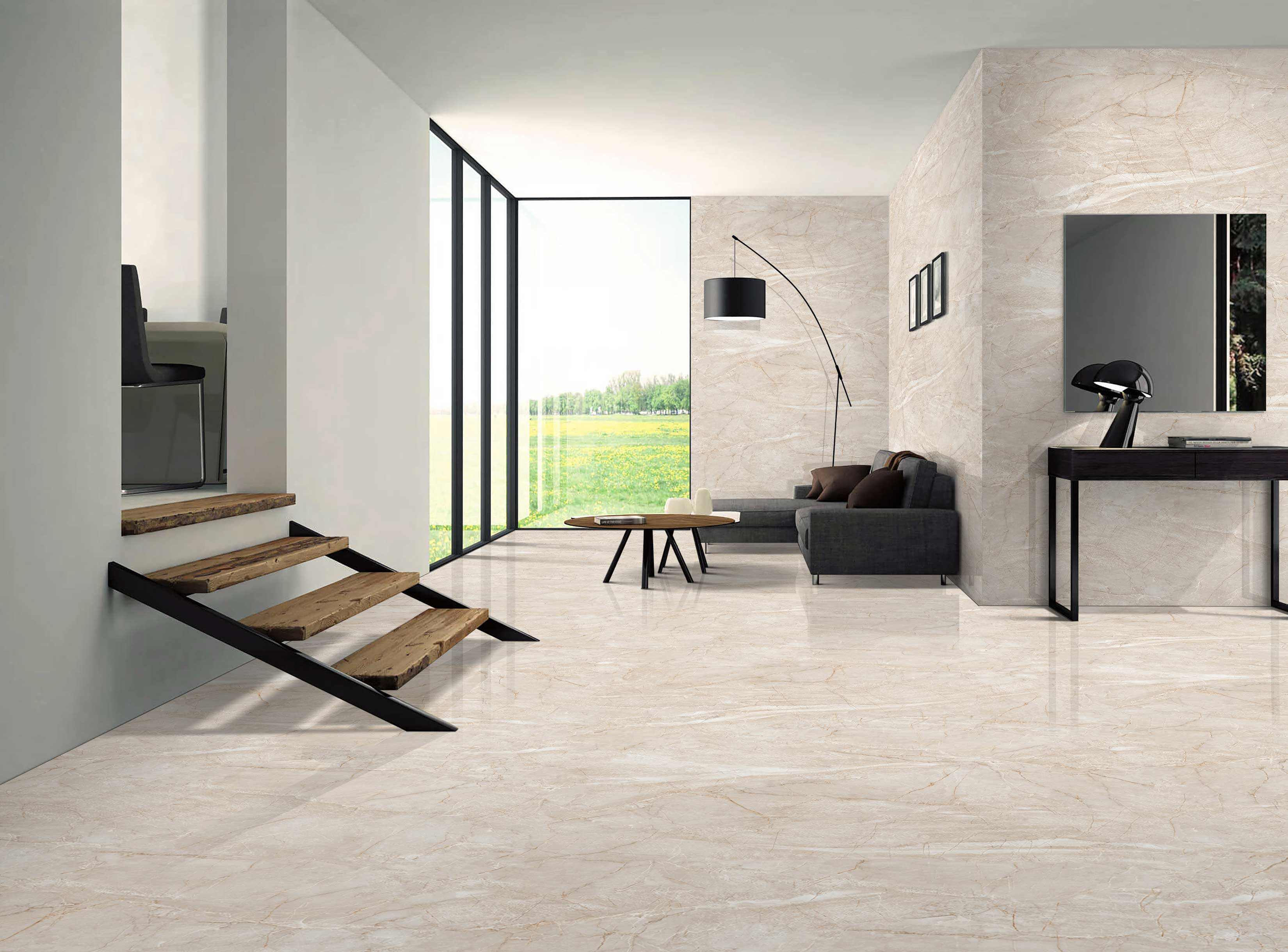
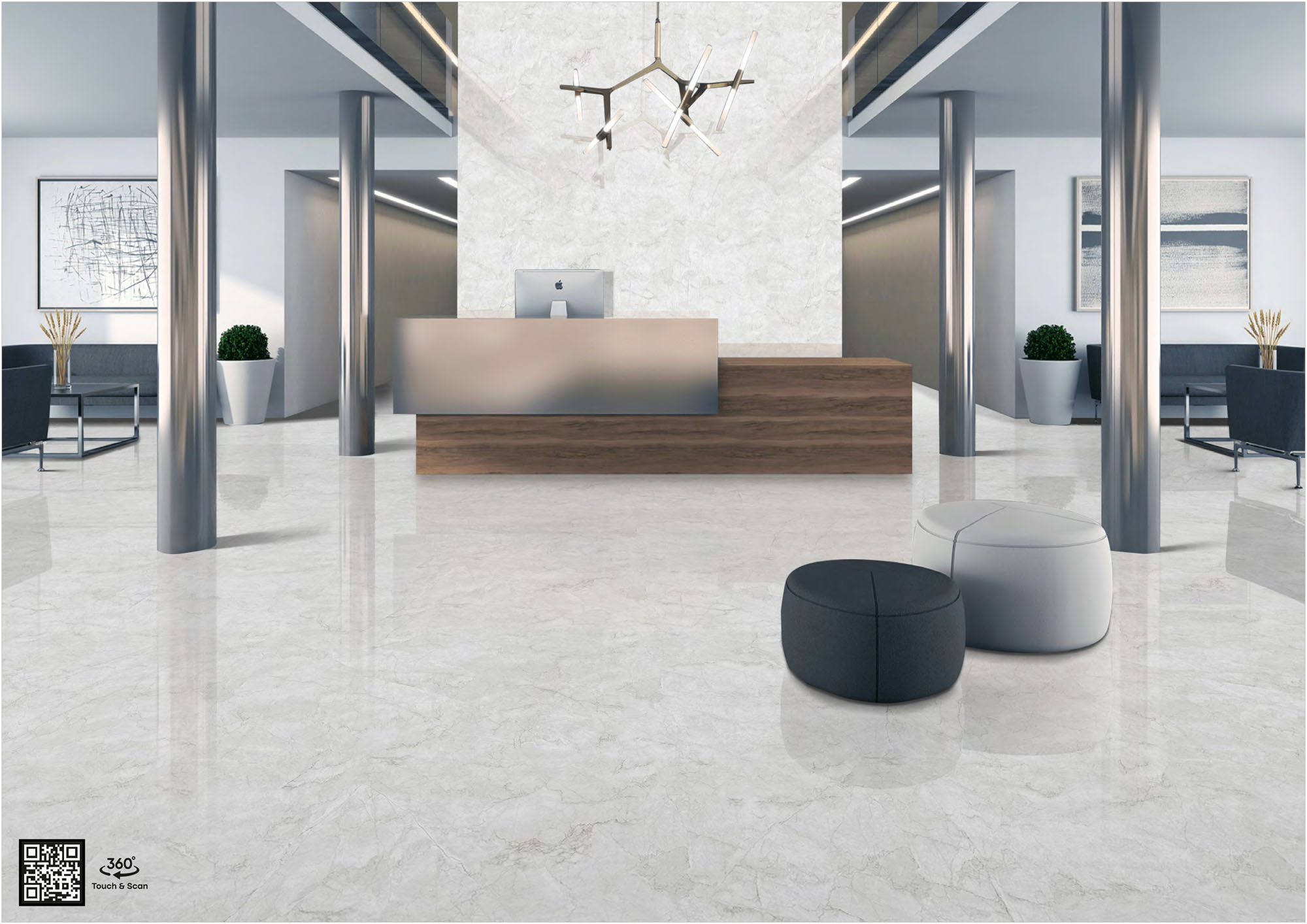
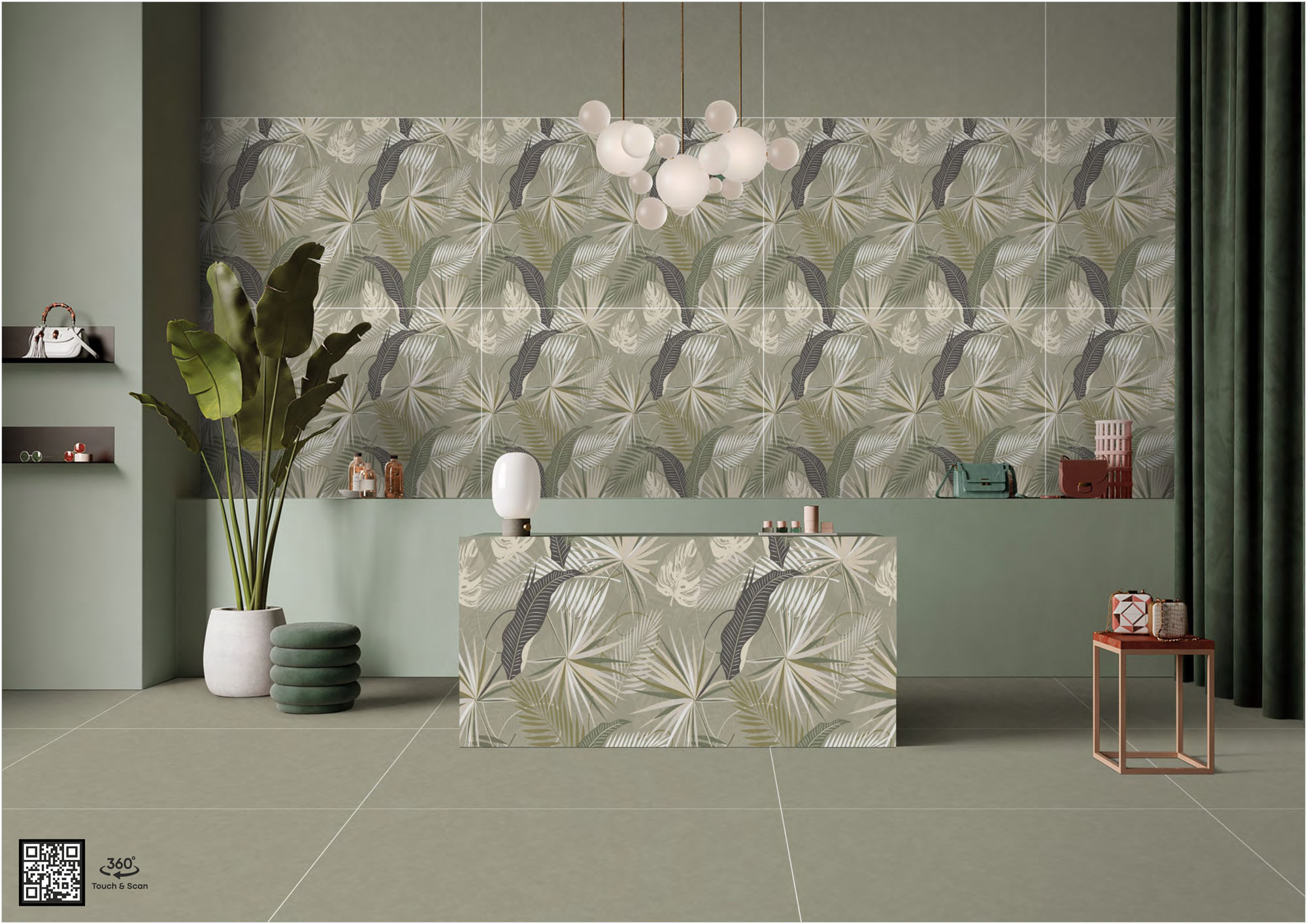
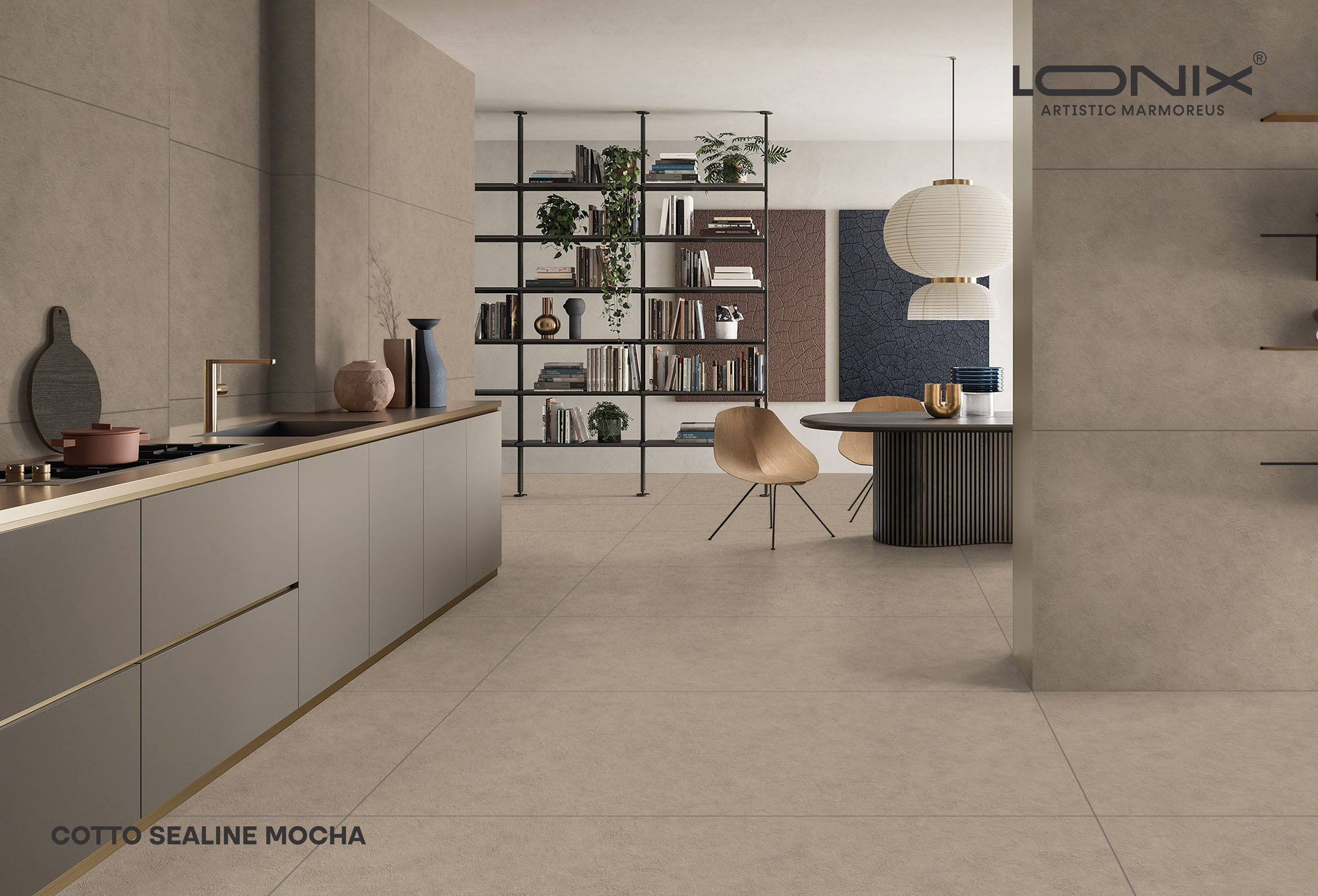
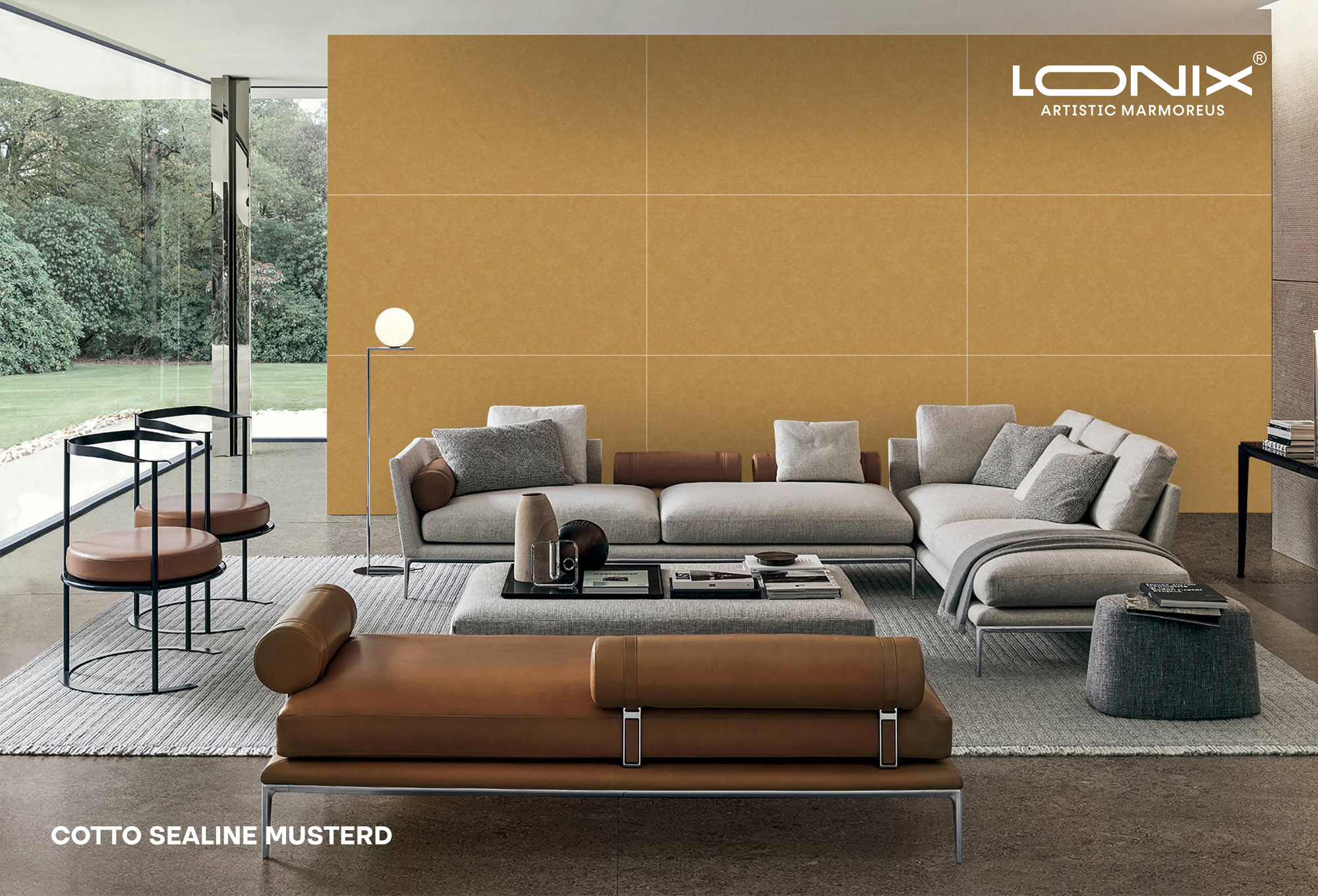
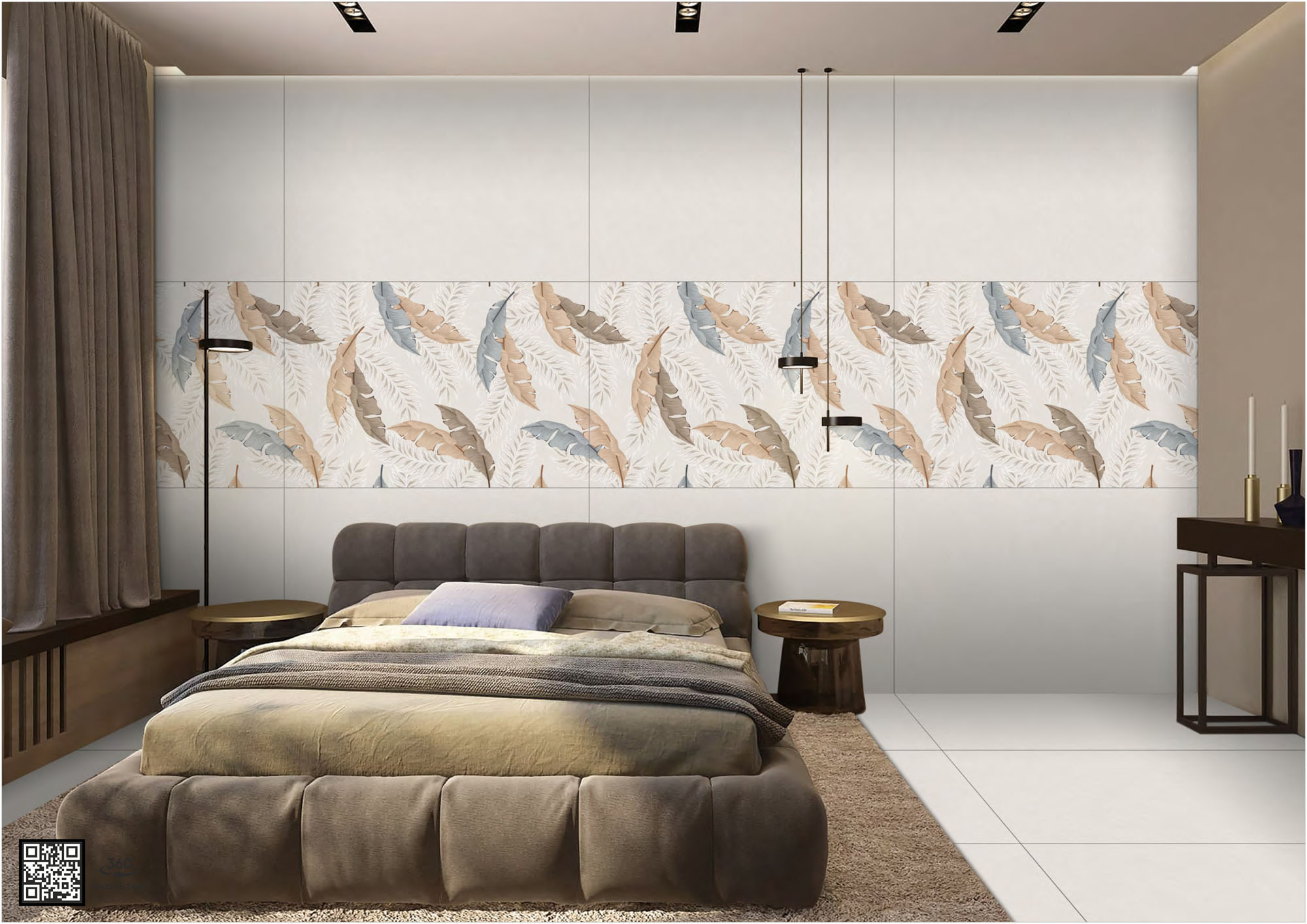
Choosing floor tiles or wall tiles from a catalogue is not the same as seeing how they look in your actual room. Colours look different under natural light. Large-format tiles change how a room feels. A tile pattern that looks good on a laptop screen can look very different on a 600 sq.ft living room floor. The TilesFinders tiles mockup tool solves this problem. Upload a photo of your room, pick any tile from the TilesFinders catalogue, and see the result before you buy.
The tile visualizer works for every room type and every tile application. Bathroom floor tiles design, kitchen floor tile patterns, bedroom tile ideas, wall tiles for living room: you can preview all of them in your own space in seconds. No design software. No appointment with an interior designer. No commitment to buy.
How the Tile Visualizer Works
The tiles in room visualizer uses your uploaded room photo as the base. Here is how to use it:
Step 1: Upload a photo of your room. A straight-on photo with good lighting works best.
Step 2: Select the floor or wall area you want to tile. The tool lets you mark the zone.
Step 3: Browse the TilesFinders catalogue and pick any tile. You can filter by size, finish, colour, or room type.
Step 4: The tile visualizer places the selected tile into your photo at real proportions. Change tiles, try different tile patterns, or switch between floor tiles design and wall tiles design.
Step 5: Save the preview image or share it with your architect, contractor, or family before confirming your order.
What You Can Preview with the Virtual Tile Visualizer
The virtual tile visualizer covers every tile application in a home. Below is a summary of what you can try online before buying:
| Application | Popular Tile Types | Popular Sizes |
| Bathroom floor tiles design | GVT matte, GHR (glazed heavy-duty rustic) | 600x600, 600x1200 |
| Kitchen floor tile patterns | GVT sugar, GVT matte | 600x600, 800x800 |
| Wall tiles for living room | PGVT polished, GVT matte | 600x1200, 800x1600 |
| Bedroom tile ideas | GVT satin matte (walls only), PGVT | 600x1200, 800x1200 |
| Room floor tiles (hall/passage) | GVT matte, double charge | 600x1200, 800x1600 |
| Kitchen tile ideas (backsplash wall) | GVT glossy, ceramic | 300x600, 300x450 |
| Bathroom tile ideas (walls) | PGVT, GVT glossy | 300x600, 600x1200 |
Note: Satin matte finish is for wall applications only. Do not select satin matte for floor tile preview. PGVT tiles are for bathroom walls and dry indoor walls only, not for wet floors. The tile visualizer reflects these constraints: floor tile previews will show only slip-resistant and water-resistant options for wet areas.
Tile Patterns You Can Try in the Mockup Tool
Tile placement pattern changes how a room looks as much as the tile itself does. The tiles mockup tool lets you try different ceramic tile patterns and floor tiles style options before committing. These are the main patterns available:
| Tile Pattern | Best For | Effect in Room |
| Straight lay (grid) | All room types | Clean, classic look. Works with any size |
| Offset / brick bond | Living room floor, kitchen floor | Breaks monotony. Makes floor look wider |
| Diagonal (45 degrees) | Small rooms, bathrooms | Makes room feel larger |
| Herringbone | Bedroom, living room feature wall | High visual impact. Best with plank sizes |
| Versailles / mixed size | Large halls, hotel lobbies | Traditional look with varied sizes |
| Stack bond (vertical) | Bathroom walls, kitchen backsplash | Modern, elongates wall height |
Trying different ceramic tile patterns in the visualizer before you buy saves you from expensive relaying costs later. One change in laying pattern can save Rs. 8 to Rs. 15 per sq.ft in labour because some patterns require more cutting.
Room-by-Room Tile Design Ideas to Try in the Visualizer
Floor Tile Ideas for Living Room
Living room floors in Indian homes handle heavy foot traffic, dust, and monsoon humidity. Large format tiles in 600x1200 or 800x1600 with a matte or sugar finish work well here. The tile visualizer lets you compare how a 2x4 tile vs a 32x64 tile looks in your specific room dimensions before you decide. Tile design ideas for living room work best when you match the tile colour to the wall colour.
Bathroom Floor Tiles Design
Bathroom floors need tiles with a Coefficient of Friction (COF) above 0.6 to be safe when wet. GHR (glazed heavy-duty rustic) finish meets this requirement and is the right choice for bathroom flooring. The tile visualizer for bathroom floor tiles design shows you how dark vs light tiles look in a compact Indian bathroom. Smaller sizes like 300x300 or 400x400 are better for small bathrooms because fewer large cuts are needed.
Kitchen Tile Ideas
Kitchen floors see cooking oil, water spills, and constant foot traffic. A sugar finish or anti-skid GVT is the right call. For kitchen walls and backsplash, a glossy tile in 300x600 is the most common choice in Indian kitchens because it is easy to wipe clean. Use the virtual tile visualizer to test kitchen tile ideas before buying. You can see whether a dark kitchen floor with white wall tile works in your specific layout.
Bedroom Tile Ideas
Bedrooms in India are increasingly using vitrified tiles instead of marble. A 600x1200 matte GVT is the most popular bedroom floor tile today. For bedroom walls, a satin matte finish in 600x1200 or 800x1600 adds texture without glare. Note: satin matte is for walls only and should not be used on bedroom floors. The tiles mockup tool lets you try bedroom tile ideas quickly without needing a sample board.
Wall Tiles for Living Room
Feature walls in living rooms are a growing trend in Indian interiors. Large format tiles in 800x1600 tiles or 1200x2400 tiles with a polished finish or stone look are the popular choice. You can try wall tiles for living room in the tile visualizer: test a marble-look PGVT feature wall alongside your sofa colour or wood furniture tone to see if the combination works.
Why Use a Tile Visualizer Before Buying Tiles
Tiles are a permanent part of a home. Relaying tiles costs Rs. 25 to Rs. 60 per sq.ft in labour alone, plus material wastage. A tile visualizer eliminates the main reason people regret their tile choice: the tile looked different in the shop. Here is what the tiles in room visualizer helps you avoid:
| Common Regret | How the Visualizer Helps |
| "The tile looks too light in my room" | Preview the actual tile colour under your room lighting conditions |
| "The size looks wrong for the space" | Compare 600x600 vs 600x1200 at real proportions in your room photo |
| "The pattern looks too busy" | Switch between straight lay, offset, and diagonal patterns instantly |
| "It does not match my walls/furniture" | Upload your actual room photo with existing elements visible |
| "I chose the wrong finish" | Toggle between matte, sugar, and polished finish options for the same tile |
Home Tiles Design: Planning the Full Home with One Tool
The tiles mockup tool is not just for single rooms. You can plan the entire home tiles design from one interface. Save previews for each room and share the full set with your contractor or interior designer before finalising your order. This is especially useful when you want a consistent floor tiles style across interconnected spaces: living room, dining area, and passage.
Most Indian homes use 2 to 4 tile SKUs for the full home. A tile room preview for each SKU in its intended space, before ordering, reduces the risk of colour or size mismatch across rooms. Tiles from the same batch at Morbi, Gujarat factories look consistent, but tiles from different production runs can have slight shade variation. Using the tile visualizer before committing to a full home order helps you lock in the right SKUs early.
Tile Inspiration: What to Look for in Room Previews
When using the tiles mockup tool, keep these practical checks in mind as you review your room floor tiles or wall tile previews:
Light direction: Natural light from a window will catch polished tiles differently than artificial light. Preview at different times if possible.
Grout line colour: A contrasting grout line highlights the tile pattern. A matching grout makes tiles look seamless. Both are valid choices and look very different in a room preview.
Room proportion: Wide rooms with large 800x1600 tiles look very different from the same room with 300x600 tiles. The visualizer makes this comparison instant.
Finish and maintenance: Polished tiles show footprints and dust more than matte. If you have young children or high foot traffic, preview matte or sugar finish options in your home tiles design before deciding.
About Tiles on TilesFinders
The tiles available for preview on TilesFinders include GVT, PGVT, ceramic, and full-body vitrified tiles sourced from manufacturers in Morbi, Gujarat, the production hub for over 70% of India's tile output. Tiles listed on the platform are tested as per IS 15622:2006 water absorption standards. GVT tiles have a water absorption rate of 0.05%, which makes them suitable for both wet and dry areas when the right finish is selected. Prices across the catalogue range from Rs. 28 to Rs. 180 per sq.ft depending on tile body type, size, and finish.
Sizes available for preview include 300x300, 300x600, 600x600, 600x1200, 800x1200, 800x1600, and slab sizes up to 1200x2400. All tiles available in the tile visualizer are sourced from verified suppliers in Morbi and Gujarat. Indian monsoon humidity and temperature cycles are a real concern for tile durability. Tiles listed on TilesFinders are rated for Indian climate conditions, and the finish-to-area recommendations in the visualizer follow Indian construction and safety norms.
Preview Your Tiles Before You Order
Finding the right tile for a room is faster when you can see it in your own space before buying. TilesFinders brings together tiles from Morbi and Gujarat manufacturers across every size, finish, and body type, all available for instant preview in the tile visualizer. Use the tiles mockup tool to compare floor tile ideas, try wall tiles for living room, and shortlist the best options for your home, then place your order directly from the catalogue.